A menu in two languages
Every product name and description in Arabic and English, with the layout flipping to RTL on its own. Prices are calculated on the server, so nobody can tamper with them.
Ordering platform for restaurants and cafes
Turn your menu into a digital one in Arabic and English, take orders from tables, pickup and delivery, and watch them land on the kitchen screen live. Guests install nothing.
No credit card. We contact you and set up your account.
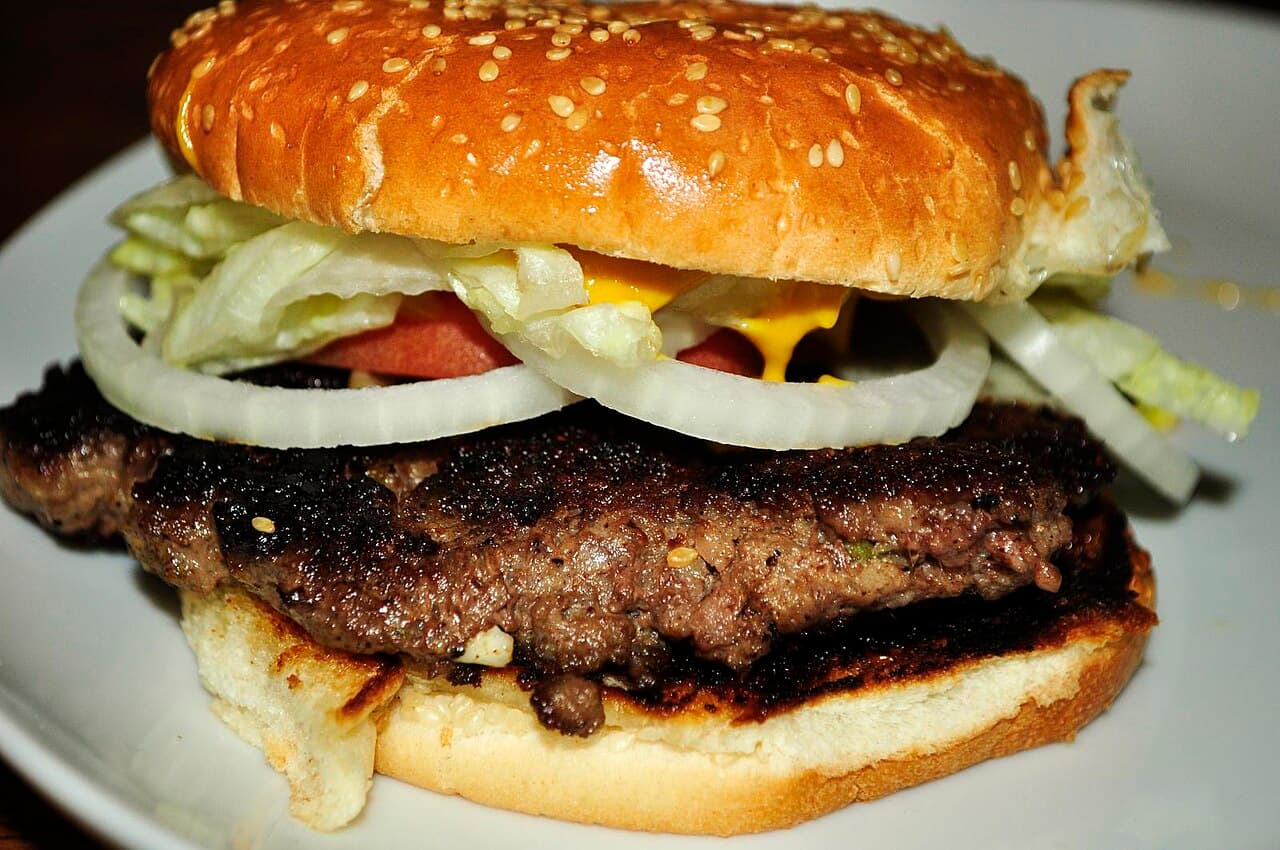 Grilled burger
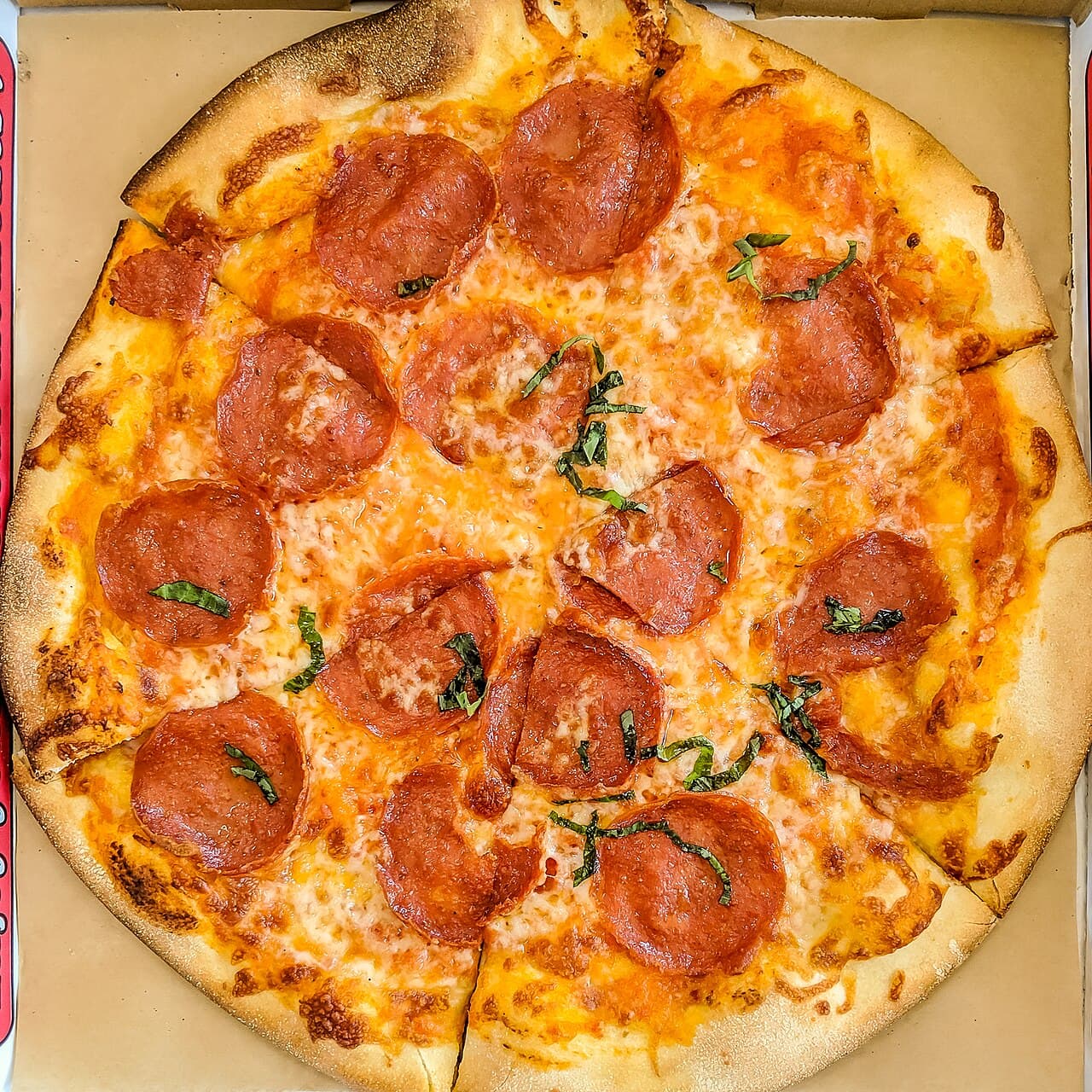 Margherita pizza
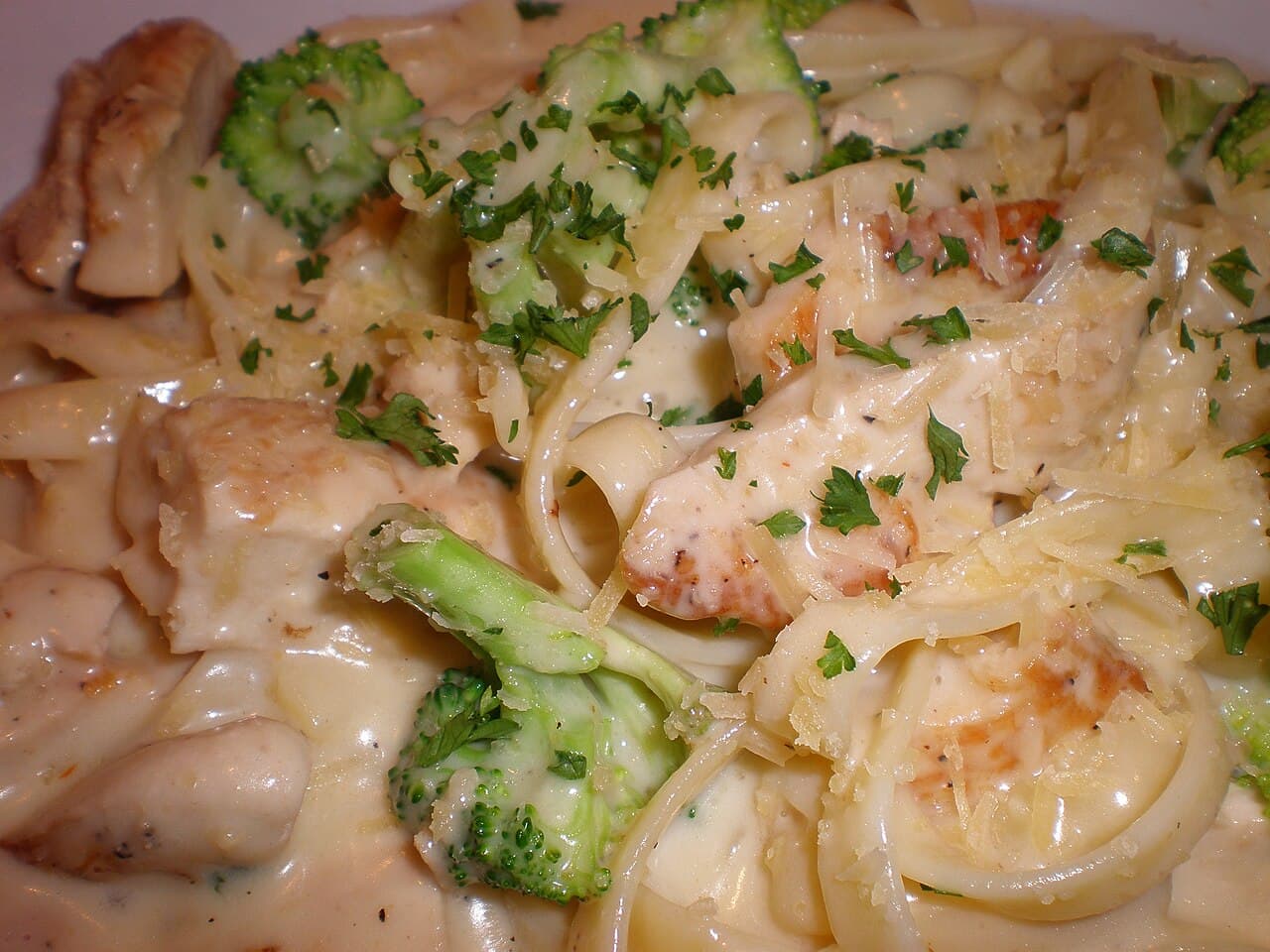 Alfredo pasta
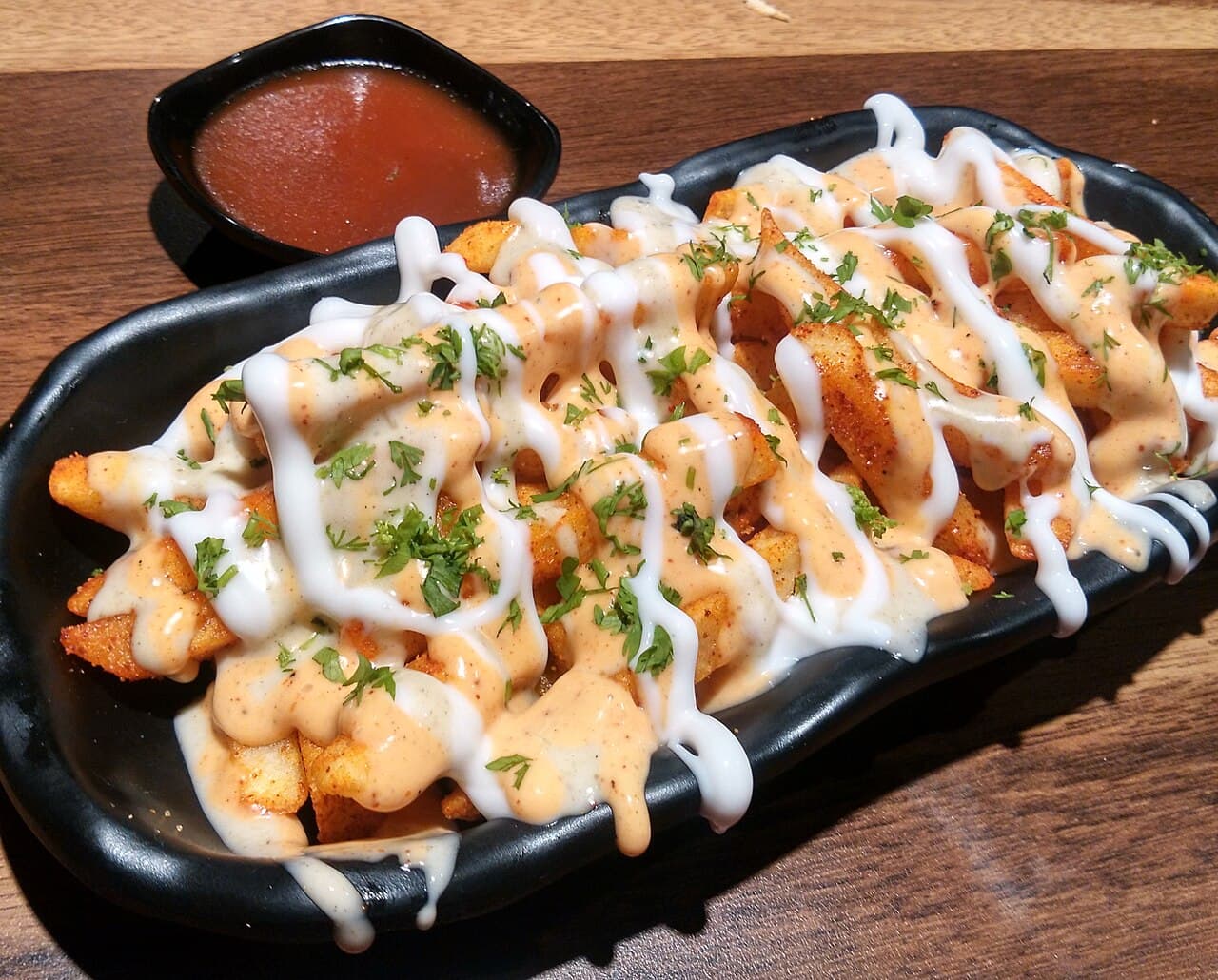 Loaded fries
Each step happens on its own. Your team works instead of writing orders on paper.
The QR on the table opens your menu in the browser, in the language they prefer. No app, no sign-up.
They choose size and extras, see the exact final price and send the order. A second round at the same table is one tap away.
The order shows up at once on the restaurant dashboard and kitchen screen. Staff accept and prepare it while the guest follows its status on their phone.
Not just a menu page. An order system built for restaurants in the region.
Every product name and description in Arabic and English, with the layout flipping to RTL on its own. Prices are calculated on the server, so nobody can tamper with them.
From the table, pickup from a branch, delivery with zones and fees, or a ready-made WhatsApp message. Switch on what suits you.
Accept, prepare, ready, served. Everyone has a role: owner, manager, cashier, kitchen, waiter.
Guests see their order status live without asking the waiter. Fewer interruptions, happier tables.
Add a burger and the cart suggests fries and a drink. You set the suggestions, or let the system learn from orders.
Upload the menu you already have and get a draft of products and categories. Review it, publish it, skip the blank page.
Plenty of designs to choose from to match your restaurant’s personality, and swap the look of your menu every so often.
These are the real prices. No hidden fees and no commission on orders.
Leave your details and we set up a trial account with your menu. Try orders, the kitchen and the designs, then decide.
No. They scan the code and the menu opens in the browser, on any phone.
Yes. From the dashboard you add products and change prices and availability any time, and guests see it at once.
After your request we contact you and agree on a payment method. We never charge anything automatically, and before the trial ends we ask whether you want to continue.
Yes. Add branches, each with its own tables, orders and team.
Any time. On the My subscription page of your dashboard you see your plan and request an upgrade or renewal.